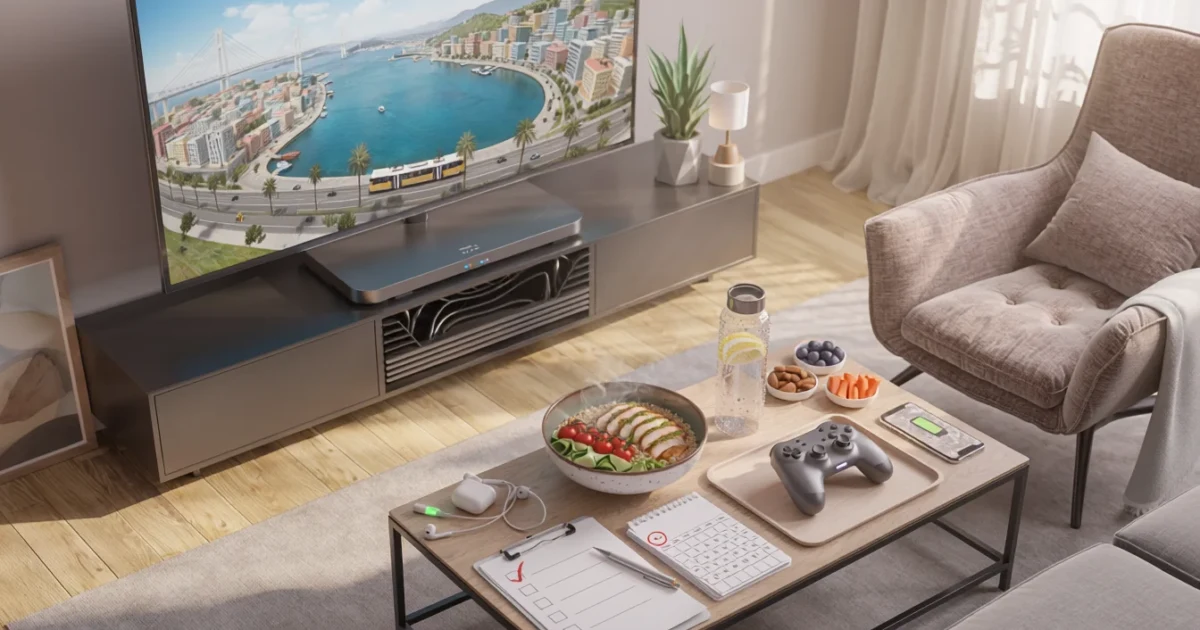
Planning note: GTA 6 is currently scheduled to launch on Thursday, November 19, 2026, for PlayStation 5 and Xbox Series X|S. Release timing, preload access, server conditions, and regional availability can still change. Confirm the latest official information before making non-refundable plans.
Yes—if GTA 6 is one of the releases you have been waiting years to play, taking launch day off can be reasonable. The important part is to use legitimate leave, prepare before the day arrives, and avoid turning a day of entertainment into a night of sleep loss, missed meals, or preventable discomfort.
This guide starts from a clear premise: you have decided to take the day off. The question is no longer whether the game “deserves” a vacation day. The question is how to make that day work properly—without lying to an employer, depending on an uncertain midnight launch, or sacrificing your health for a few extra hours.
First: take the day off the legitimate way
Use vacation time, paid time off, a personal day, a shift swap, or another option allowed by your workplace. Request it early and follow the normal approval process. Do not claim to be ill when you are not, and do not assume every workplace, contract, school, or country applies the same rules.
A Thursday launch creates a useful choice. Taking only Thursday gives you a focused launch day. Taking Thursday and Friday may create a four-day window, but it also costs more leave and makes it easier to overplay. Choose the smallest amount of leave that fits your actual plan.
The goal is not to stay awake for the maximum possible time. The goal is to be rested, prepared, and free from avoidable obligations when you begin.
Do not build the plan around an assumed midnight start
Digital storefront unlock times can differ by platform and region. Downloads may be delayed, day-one updates may be large, and online services can struggle during major launches. Until Rockstar and the platform holders publish exact regional details, treat a midnight start as a possibility—not a guarantee.
- Check the official release date again close to launch.
- Confirm the unlock time shown by your own console account.
- Verify whether preload is available and when it begins.
- Leave extra storage space for updates and installation overhead.
- Update the console, controller, television, and headset before launch day.
- Do not schedule your entire day around unconfirmed leaks or countdown sites.
One week before: remove practical failure points
A successful launch day is mostly prepared in advance. Use the previous week to handle tasks that would otherwise interrupt the first session.
Console and account checklist
- Confirm that the purchase is attached to the correct platform account.
- Check login credentials and two-factor authentication.
- Make sure the payment method did not fail.
- Free sufficient storage rather than deleting games under pressure on launch night.
- Install system updates.
- Charge controllers and test charging cables.
- Check headset audio, microphone settings, and television game mode.
- Decide where screenshots and video clips will be stored.
Real-life checklist
- Finish urgent work, study, bills, and household tasks.
- Tell family or housemates when you expect to use the main television.
- Arrange childcare, pet care, deliveries, and appointments responsibly.
- Do not cancel medical care, legal obligations, or essential responsibilities for the launch.
- Set a realistic start time and stopping time.
Food and drinks are part of the preparation
Food and drinks should be ready before the session begins. That does not mean building a table of energy drinks and snacks. It means removing the temptation to skip meals, order impulsively, or handle raw food while distracted by the game.
A practical launch-day supply includes:
- Water within easy reach.
- A normal breakfast or first meal before play begins.
- One or two prepared meals that can be reheated safely.
- Simple snacks that do not leave grease or powder on the controller.
- Fruit, yogurt, sandwiches, rice dishes, soup, or other familiar foods that you already tolerate well.
- Napkins and a separate eating area when possible.
Follow the storage and reheating instructions for the food you prepare. Perishable food should not sit beside the console for hours. Wash hands before returning to the controller, particularly after handling raw food.
Caffeine is optional, not a required launch accessory. Count caffeine from coffee, tea, soda, energy drinks, pre-workout products, chocolate, and some medicines rather than judging by the number of cans. Do not use stimulants to justify ignoring exhaustion.
The night before: sleep is the highest-value preparation
The worst launch-day strategy is to begin already tired. Staying awake late to “prepare” reduces the value of the leave you arranged. Complete downloads and room setup early enough that you can follow your normal bedtime routine.
- Do not attempt an all-nighter before the game unlocks.
- Avoid moving bedtime several hours later for no confirmed benefit.
- Set an alarm only when an exact unlock time has been officially confirmed.
- Keep enough time for your usual sleep needs.
- If the game unlocks during the night, consider sleeping first and starting in the morning.
Adults commonly need at least seven hours of sleep, although individual needs vary. A rested morning session will usually be more useful than spending the first hours fighting tiredness, headaches, irritability, or poor concentration.
Build a healthier routine before release—not a last-minute “gaming workout”
There is no special exercise program that makes prolonged sitting harmless. The useful preparation is to maintain ordinary physical activity in the weeks before release. Regular walking, cycling, mobility work, and age-appropriate strength activity can support general health and make it easier to tolerate a day that includes more sitting than usual.
For adults, public-health guidance commonly recommends working toward at least 150 minutes of moderate-intensity aerobic activity per week, plus muscle-strengthening activity on two days. This is a general health guideline—not a launch-day performance target. People who are inactive should build up gradually rather than suddenly attempting a hard workout shortly before release.
A simple pre-launch routine
| Period | Practical approach |
|---|---|
| Four to six weeks before | Start or maintain regular walks and basic strength activity appropriate to your ability. |
| One week before | Keep the routine normal; do not suddenly double the workload. |
| Day before release | Choose light or normal activity, then prioritize meals and sleep. |
| Launch day | Use movement breaks rather than treating the entire day as one seated block. |
Anyone with pain, mobility limitations, cardiovascular concerns, recent injury, or another relevant condition should use advice appropriate to their own situation. This article does not prescribe an exercise program.
Launch day: play in blocks, not one continuous marathon
Taking the day off does not require sitting continuously from unlock to bedtime. Break the day into sessions and place meals, movement, and real-world tasks between them.
| Example time | Plan |
|---|---|
| Morning | Eat, check official notices, finish installation, and begin the first session rested. |
| Late morning | Stand, walk, refill water, and look away from the screen. |
| Midday | Pause for a normal meal away from the controller. |
| Afternoon | Second play block with short posture and eye breaks. |
| Evening | Eat, check how you feel, and decide whether another block still fits the planned bedtime. |
| Planned end | Save safely, stop, and leave time to wind down. |
For detailed posture, eye, movement, and caffeine guidance, see our related guide: How to Play GTA 6 for Long Sessions With Less Strain.
Health maintenance matters more than launch-day optimization
Do not stop prescribed treatment, change medication timing, skip necessary meals, or ignore symptoms to create a longer gaming window. Keep ordinary health routines intact. The game will still be available after a break; a health problem may not wait conveniently.
Stop playing if you develop significant pain, numbness, weakness, dizziness, faintness, chest pain, sudden visual changes, severe headache, confusion, or another alarming symptom. Seek appropriate medical assistance when symptoms are severe, sudden, or persistent.
The complete no-regrets checklist
- Request legitimate leave early.
- Confirm the official release date and your regional unlock time.
- Verify the correct platform account and payment.
- Preload when officially available.
- Free storage and install system updates.
- Charge and test controllers, cables, headset, and display settings.
- Finish urgent responsibilities before launch day.
- Prepare safe, familiar meals and keep water available.
- Do not depend on energy drinks or an all-nighter.
- Sleep normally the night before.
- Maintain gradual, regular physical activity in the weeks before launch.
- Plan movement, eye, meal, and bathroom breaks.
- Set an end time before the first session.
- Keep medication and health routines unchanged unless advised otherwise.
- Stop when symptoms make continued play unsafe or uncomfortable.
The bottom line
If GTA 6 matters enough to you, taking launch day off can be a perfectly reasonable use of legitimate personal time. The best version of that day is not an improvised endurance test. It is a planned day with approved leave, confirmed download details, prepared food, water, a full night of sleep, regular movement, and a stopping time.
Take the day off—but prepare well enough to enjoy it.
Sources and verification notes
- Rockstar Games: GTA VI launch date update
- Rockstar Games: platforms and release information
- CDC: About Sleep
- CDC: Physical Activity for Adults
- CDC: Physical Activity Basics and Health
- FDA: Caffeine guidance
- FDA: Food Safety at Home
Last verified: July 29, 2026. Employment and leave rules vary by workplace and jurisdiction. This article provides general planning and health information, not legal or medical advice.